You pick up your phone to check one thing. Forty minutes later you’re still scrolling, and you couldn’t name a single thing you saw. Nobody decides to do this. It just happens, most evenings, and it leaves you a little more tired than before.
The good news is that you don’t have to beat the urge with willpower. You can keep the habit of reaching for your phone and change what’s waiting for you there. Here’s why that works, and how to do it.
Why the feed is so hard to put down
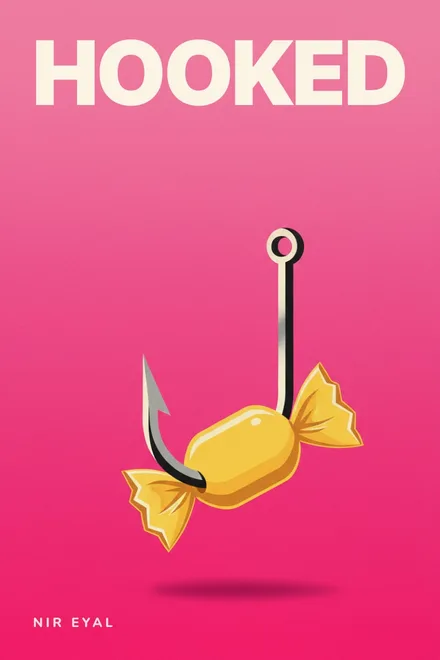
Most feeds run on the oldest trick in behavioural psychology. In the 1950s B. F. Skinner found that pigeons pecked hardest when food arrived unpredictably, not every time. A feed works the same way: most posts are dull, then one is funny, or outrageous, or about you. You keep swiping for the next one. Nir Eyal calls this a variable reward in Hooked, his book on how habit-forming products are designed.
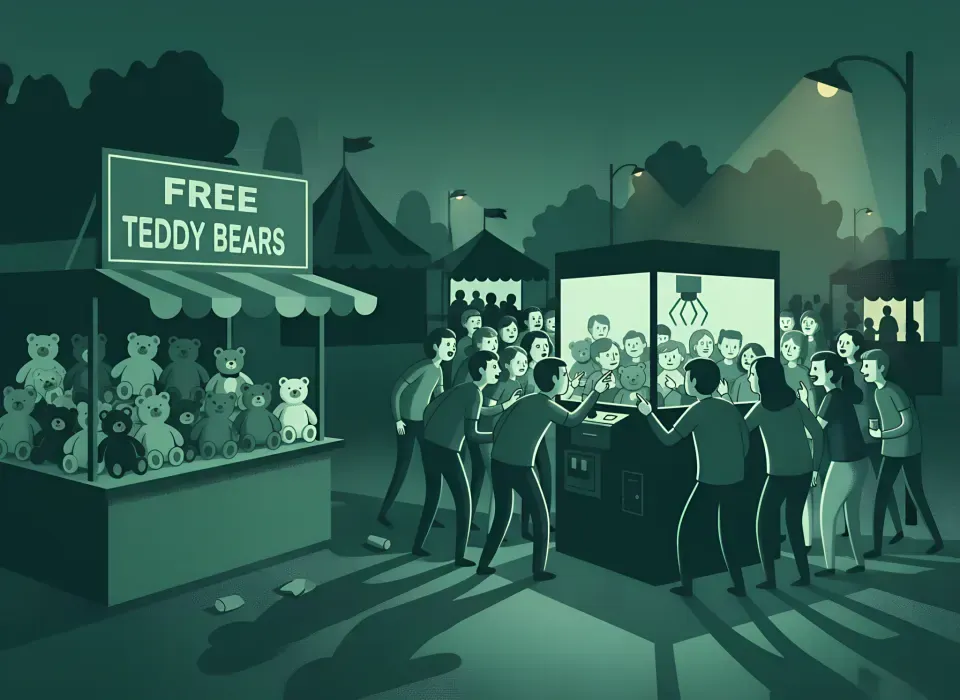
The second trick is what’s missing. A book has chapters, a TV episode has credits, a newspaper has a back page. These are stopping cues: natural moments to pause and decide whether to carry on. An infinite feed has none. There’s always one more post, so the decision to stop never comes up.
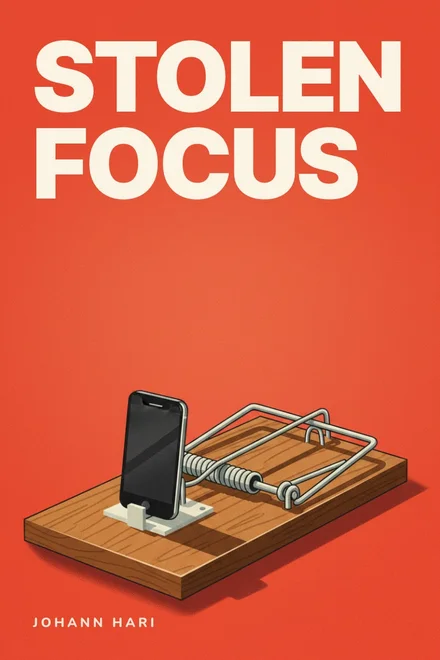
In Stolen Focus, Johann Hari argues that this isn’t a personal failing. Many apps are built to hold attention for as long as possible, and they’re very good at it. Anna Lembke, a psychiatrist, adds a reason it feels worse over time. In Dopamine Nation she describes how the brain adjusts to a steady stream of easy pleasure, so each scroll gives a little less and the urge to keep going grows. Her advice is to put some distance between you and the thing you overuse.
The urge to reach for your phone isn’t the problem. What’s waiting when you get there is.
How to swap it for something better
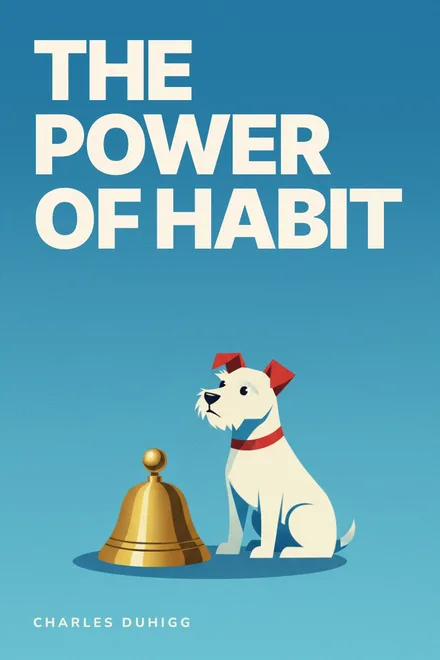
In The Power of Habit, Charles Duhigg describes every habit as a loop: a cue, a routine and a reward. His golden rule of habit change is to keep the cue and the reward and change only the routine. You’ll still feel bored on the bus. You’ll still want a few minutes of something easy. The aim is to make the easy thing a better one.

These steps make that swap more likely to stick.
- Notice your cue. Most scrolling starts at the same few moments: waking up, the commute, the queue, the sofa after dinner. Pick the one that costs you most and start there.
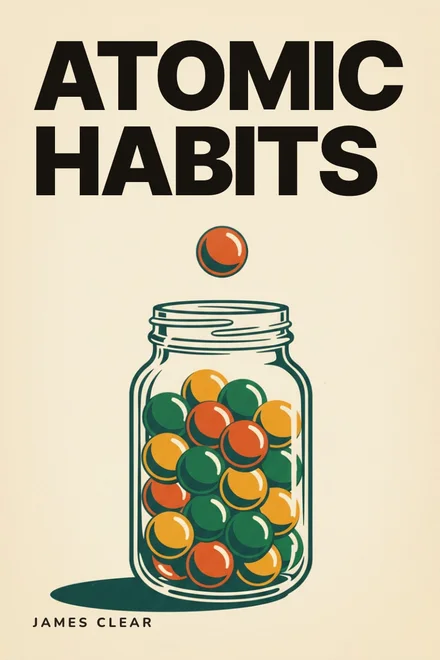
- Add a little friction to the feed. James Clear’s advice in Atomic Habits is to make a bad habit invisible and difficult. Move social apps off your Home Screen and into a folder, log out of them, or set an App Limit in Settings, then Screen Time.
- Put the replacement where the feed was. Whatever you swap in should sit in the exact spot your thumb goes to without thinking, and on your Lock Screen or Home Screen as a widget if it has one.
- Give yourself a finish line. Without a stopping cue, the feed wins. Choose something with an end: one article, one chapter, three idea cards. Finishing feels good, and it’s a natural point to put the phone down.
- Plan for the danger zone. If late evening is the worst, charge your phone outside the bedroom and keep a paper book by the bed.
- Make the new routine rewarding. The swap only lasts if it still scratches the itch. A feed of things you’re curious about, a story with pictures or a small win you can see build up all help.
That last point is where apps can help. Some keep the swipe of a feed but fill it with ideas worth keeping. Here are six, each in a different style.
We make BrainDrop, so we’ve kept the comparisons factual and linked each app’s App Store listing. Facts checked .
-
1Deepstash
Best for a free feed of ideas
Deepstash is closest to a social feed: short idea cards with artwork, from books, articles, podcasts and videos, picked by topic and refreshed during the day. The free tier is large, so it costs nothing to try the swap.
Worth knowing The free tier is generous, with over 200,000 ideas. Pro removes ads and adds audio and offline saving.
-
2BrainDrop
Best for daily, illustrated reading
BrainDrop’s Shorts tab is a scrollable feed of illustrated ideas and quotes from non-fiction books, and any card opens its book if it grabs you. Each book is about nine idea cards, so there’s a clear place to stop, and a streak, daily quests and chests make it something you want to open.
Worth knowing iPhone only, and its library is smaller than the big names, though growing. Free to download with a free trial, then BrainDrop Pro.
-
3Imprint
Best for visual courses on subjects
Imprint explains ideas with polished illustrations and diagrams, in chapters of two minutes or less. It covers whole subjects, such as philosophy and investing, as well as guides to popular books.
Worth knowing Subjects as well as books, on iPhone, iPad, Mac and Android. Free to download, then a paid subscription.
-
4Nibble
Best for school-style subjects
Nibble swaps the feed for a short interactive lesson on a subject like maths, science or art. You choose 5, 10 or 15 minutes a day, which gives you a built-in finish line.
Worth knowing Lessons on subjects such as maths, science and art rather than whole books. Free to download with a free trial.
-
5Blinkist
Best for listening on the go
If your scrolling happens on the move, Blinkist lets you listen instead. Its summaries take about 15 minutes, in text or audio, and you can download them for offline.
Worth knowing The biggest library here, with over 9,000 titles and audio for each. Blinkist Basic is free, with one editor-picked summary a day.
-
6Headway
Best for guided self-growth plans
Headway gives you a personalised daily plan and self-growth challenges, so there’s always a set thing to do next instead of an open feed.
Worth knowing More than 1,700 summaries, on iPhone and Android. Free to download with a free trial of Headway Premium.
Give it a week
Don’t judge the swap on the first day. The pull of the old feed is strongest at the start and fades as the new routine becomes the one your thumb expects. Track how many evenings you made the switch, not how many minutes you saved, and forgive the nights you didn’t.